Into Space: Your Star Citizen Guide
An independent Star Citizen community guide
Beginner guides, current Star Citizen news, career guides, and practical tools to help you find your way through the 'Verse.
Next Free Fly: No date announced
Star Citizen News
Star Citizen can currently be played for free until August 10, making this a good opportunity to try the game before buying a starter package.
Should you start Star Citizen?
There are numerous pros and cons. In the end, you’ll have to decide for yourselves which side outweighs the other.
The game is immersive as possible
No loading Screens after login
Land everywhere on a Planet
Fly multi-crew ships with dozenth of friends
A lot of activities: dogfight, FPS, medical game play, repairing, salvaging, mining, refining, crafting, trading and complex missions
Supports joysticks, throttles and pedals
VR support (no hand controller yet)
Bugs
More Bugs
Steep learning curve
Hardware-intensive
You can buy the most things for real money but with friends you can get the most things quite fast.
I recommend to play this game together with other players. This has two effects: First you will have more fun, because you can more easily try different aspects of the game. And second, it doesn't matter anymore, if you have just a small starter ship.
So if you did your first steps alone in the 'Verse, the next step should be to search for some friends or a guild.
How to start (Quick)
Create an account. (if you use the referral code STAR-JG9B-VR4M you will get 50000 UEC in-game credits extra)
If there is a Free Fly active, or you want to spend over 1000$ before starting, you can ignore step 3.
Buy an game package. (You can take the cheapest, important is, that it has the "Star Citizen Digital Download" entry)
Citizen Starter Pack - Modular simple fancy Fighter / Freighter - Recommended: This package is on Sale at the moment!
Miner ‘Keystone’ Starter Pack - This ship can only mine.
Generalist Starter Pack - Simple rough Fighter / Freighter.
Salvager Starter Pack - This ship can only salvage wracks.
Duelist Starter Pack - Old Fighter / Freighter - Better and more expensive then the other both Fighter / Freighter. But a good value for money.
Hauler Starter Pack - Modern Freighter - Same cargo like Duelist Starter Pack with more travel fuel but more expensive.
Outsider Starter Pack - Fancy alien ship - A bit weaker then the Duelist Starter Pack but therefor more expensive and harder to fly.
Privateer Starter Pack - A medium rough ship with manned turret, big cargo and good weapons and expensive. But a good value for money.
Ultimate Explorer Pack - Multiple ships from small speeder bike to a large explorer. Do not buy this before you played this game for a while!
This game store has an exchange and update system. For example: If you do not like the Salvager Starter Pack you can exchange it and buy the Citizen Starter Pack from the store credits you got. Or you can upgrade the Salvation to the Intrepid for 5 $ (+ tax)
Download and install the game.
Start the game and create your Character (You can change your character every time again: Main Menu -> Persistent Universe -> Character Customization)
Select your Home base (You can not change this until the next big Patch arrives!). The fastest strategy for a new Player is, to take this, which is centrally located and in a save Area. You can travel around and look for a new home after the next Patch.
Recommended: Play the tutorial (and choose Stanton - Hurston - Lorvile)
Alternative: Just select Stanton - Hurston - Lorvile
Get up. Press the [Y] key for a second or press and hold [F] and search with the cursor for a position where you see "GET UP" and then left click.
Make your way to the spaceport. Pres and hold [F] and move your mouse for interact with the Door and elevator terminals.
Watch out for signs which leads you to the spaceport. (In many locations you have to take a train to the spaceport)
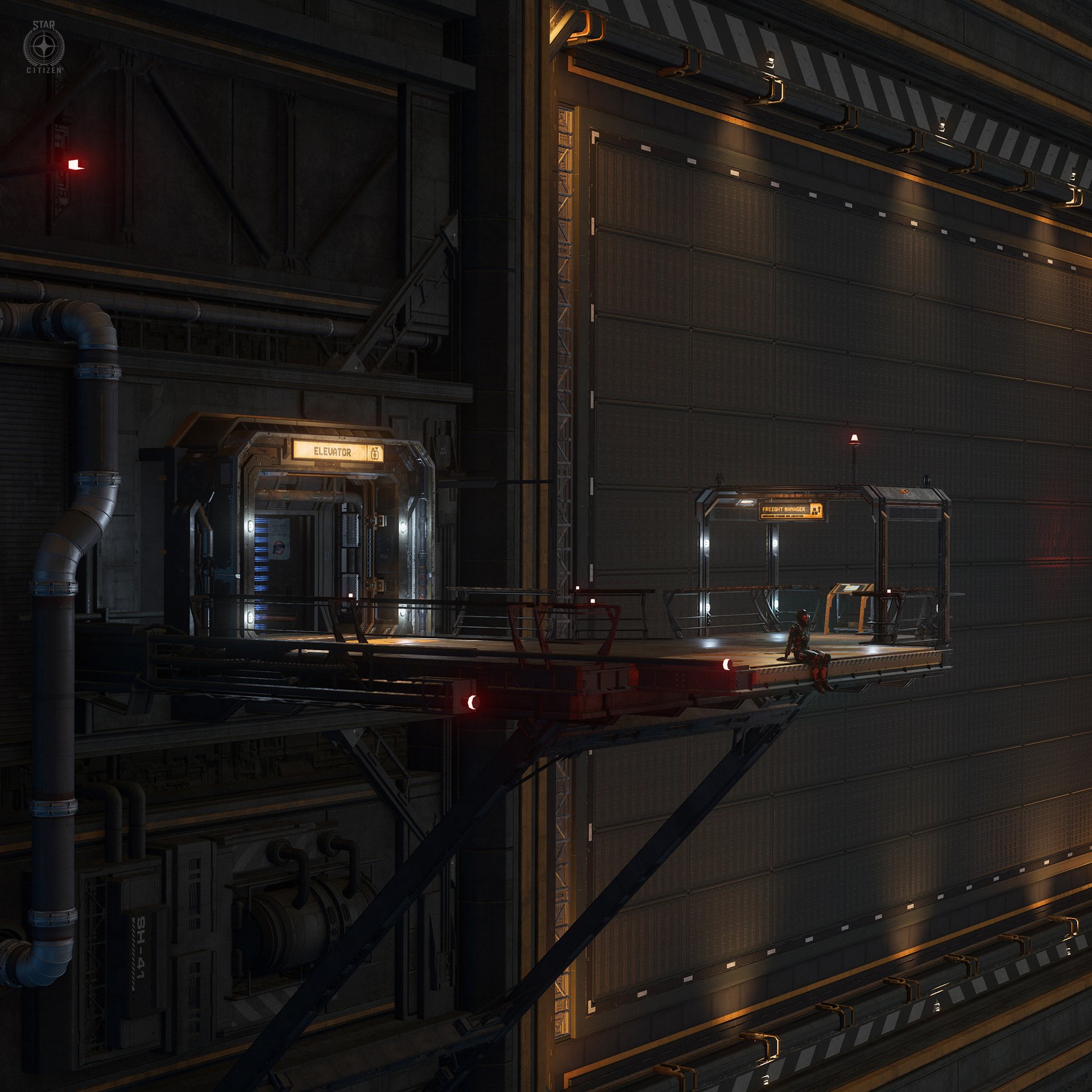
Search for the "ASOP" terminal at the spaceport (A yellow monitor with a big yellow fingerprint and the letters "FLEET MANAGER" in the upper left corner)
First deliver your ship and then retrieve it
Use an elevator to get to your hangar. There is an area in every spaceport where you can see multiple elevators next to each other. Call one of it and select your hangar by using the terminal inside of the elevator. Press and hold [F] move your cursor in the middle of the terminal and scroll down with your mouse wheel, until you see your hangar, and then click on it.
Enter your ship. There should be a button somewhere on your ship, which will open the entry to your ship.
Enter your pilot seat and start the engine. Simply press [U] to activate the power and press [I] to activate the engine.
Call the station to open the hangar doors. Press [F1] -> Click COMMS -> Click Friends -> The first entry on the left side should be the station name where you are. (Area18 or Lorvile) Press on the pointing right arrow in this Field. Close with[F1].
Leave the station. Press [SPACE] to fly up [Ctrl] to fly down [W][A][S][D] forward left backwards right, [Q] and [E] to roll. [N] for the landing gear [B] for switching to the quantum traveling mode (left click to jump).
If you die, you will respawn in the hospital of your home station and you can claim your ship at the "ASOP" terminal.
You can try a simple mission by pressing [F1] -> CONTRACTS
Useful Tools
Fleetyards: A good overview of all current and future ships
Erkul: A ship configuration tool
Spviewer: A more complex ship configuration tool
SCMDB: Overview over all missions
SC-trade: Information about trading commodities
Verseguide: Information about every location in Star Citizen
Cornerstone: Information about where to get an item
Sccrafter: Information about which mission gives which blueprint
SC-Crafter: Alternative crafting side
Star-Head: Multiple tools around trading
Hangar: Display multiple ships in a single window
Snareplan: Quantum interdiction planner
Useful Videos
The videos are not my product
Contact
Questions or tips? Reach out anytime.
info@intospace.net


This is an unofficial Star Citizen fansite, and is not affiliated with the Cloud Imperium group of companies. All content on this site not authored by its host is property of their respective owners.
Star Citizen®, Squadron 42®, Roberts Space Industries®, and Cloud Imperium® are registered trademarks of Cloud Imperium Rights LLC. All rights reserved.
Referral Notice:
If you sign up through a referral link, your new account may receive an in-game bonus. I may also receive in-game rewards from the referral program.